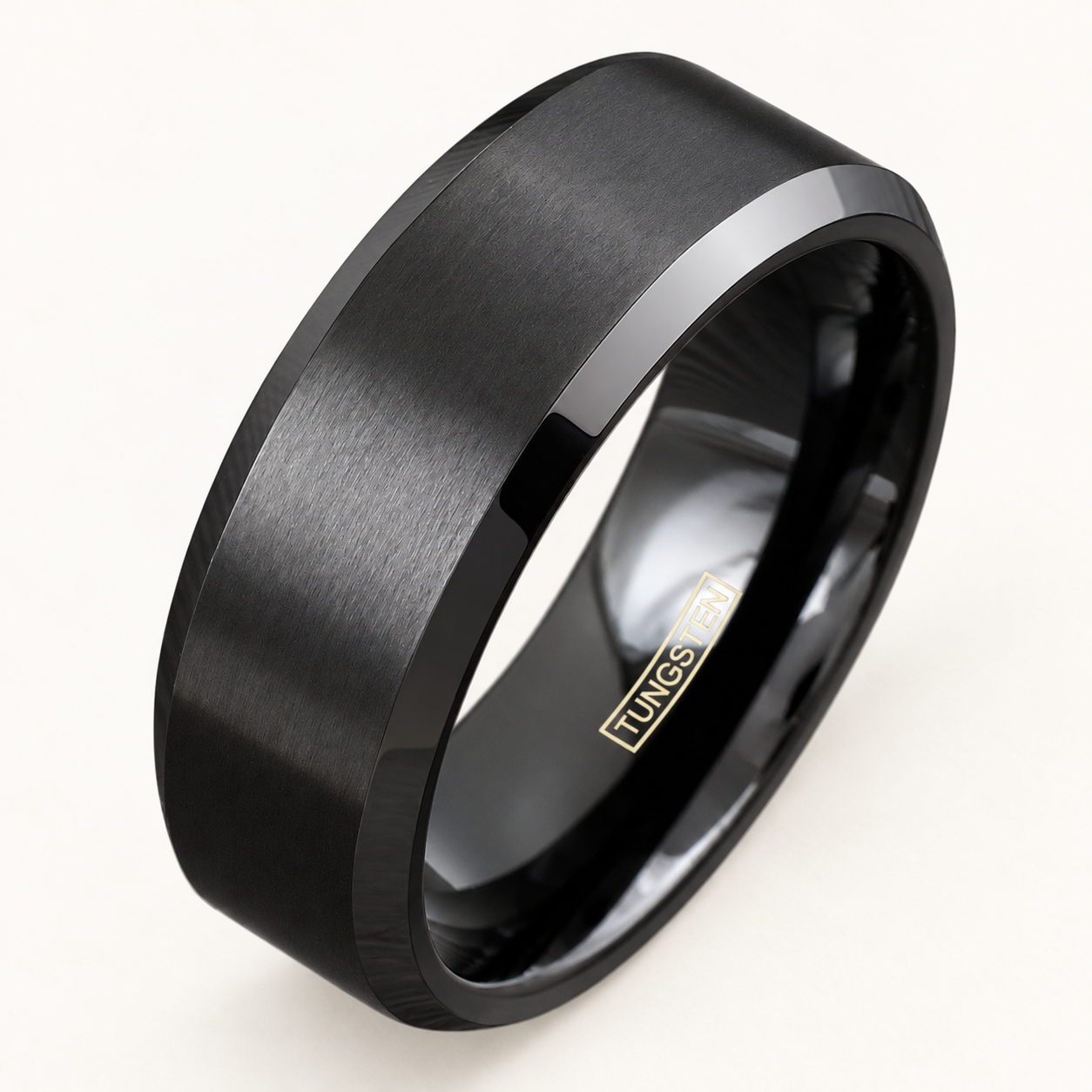
A clearer gift wishlist
How to make a jewelry wishlist someone else can use
Turn saved jewelry links into a clear gift wishlist with exact options, meaningful alternatives and a simple way to avoid duplicate purchases.
A saved photograph is only the starting point
A jewelry wishlist should make it easy for another person to choose something you would enjoy without asking them to solve every detail. A screenshot shows the look you liked, but it may omit the selected size, the items included or the name of the store. Start with the product link, then add a short note explaining your choice.
Treat the list as a brief for a gift giver rather than a collection of attractive images. You can keep it in a shared note or a message; it does not require a particular app. The useful part is the information attached to each item, not the format.
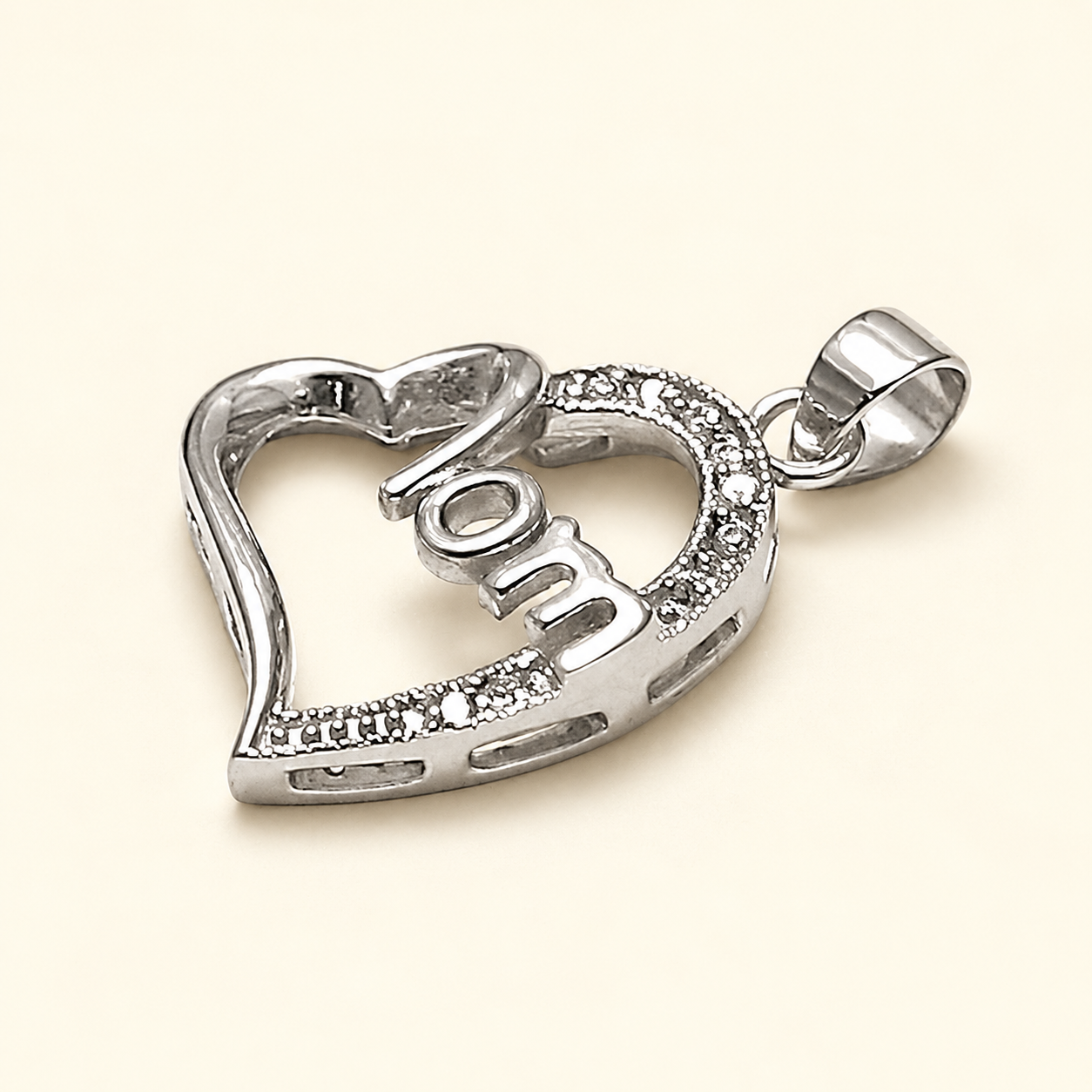
The pendant shown here is an illustration of a gift idea, not a suggestion that every wishlist needs this motif. Choose the designs that mean something to you.
Write one complete entry for each choice
Give each entry a product name and direct link. On the next line, record the exact options shown on the listing: color, ring size, length or width, as applicable. Use the same wording as the selector so the buyer can compare your note with the page. If the option has not been confirmed, write that clearly instead of filling the gap with a guess.
Add what the purchase should include. A pendant-only choice may need a separate chain; a photograph of several items may be showing alternatives. Record the components you have actually confirmed from the description and leave a question where the listing is unclear.
A practical entry might read: “Product name and link. My selected options: [copy the confirmed choices]. Included items: [copy the description]. Why I like it: the shape. If unavailable: please ask before substituting.” Replace the brackets with your own information before sharing.
Separate requirements from preferences
Label which details the buyer should not change without asking and which ones are open to interpretation. An established size or required attachment is different from being happy with either of two colors. “Anything similar” can be confusing when the visual similarity hides a different length, fitting or material.
If you have not settled the fit, link two designs and arrange to choose the options together. Our guide to jewelry gifts without guessing size explains the questions that are better answered by the recipient than guessed by the buyer.
For any material requirement, use the actual description you need and ask the seller about missing information. A color name or a photograph is not a substitute for that description. Do not let the wishlist turn an uncertain detail into an apparent fact.
Give personalized wording its own final check
Only include a personalization request when the chosen listing explicitly offers the service. Keep the exact text on a separate line and identify any supported placement or font choice. Distinguish a ready-made word or motif from a message you expect the seller to add.
Mark an unfinished inscription as a draft. Before anyone orders, agree on one final version and remove the older alternatives from the shared note. Our engraving wording and proofreading checklist can help with names, dates and character limits.
If you want the wording to remain a surprise, agree on who will confirm it with the seller. A wishlist cannot resolve an unsupported engraving request or guarantee that a design has room for the message.
Offer alternatives without creating pressure
Keep a small number of ranked choices and, if useful, say whether one item alone would be enough. Explain the preferred feature behind each option: a particular outline, a simple finish or a meaningful motif. That helps the giver understand the list without assuming they should buy everything.
You can record an approximate budget preference, but ask the buyer to check the current total on the website. A price copied into a note can change, as can the available options. Do not describe a saved choice as reserved merely because it appears on your list.
For a list shared with several people, nominate one coordinator or agree on a private way for buyers to mark an item as chosen. This can reduce duplicate gifts while preserving the surprise for the recipient. Avoid posting delivery addresses or other private details in a publicly shared list.
Refresh the list before someone orders
Reopen the links before sharing the final list. Remove pieces you no longer want, confirm the options still shown and make sure each alternative leads to the intended item. Ask the buyer to review the selected choices in the bag rather than relying only on the picture.
After a gift has been arranged, update the shared list so other buyers are not working from an outdated version. Keep a separate personal note of the fit and styling details you liked for future reference.
A good wishlist leaves room for thoughtfulness while making the practical choices clear. The giver can still choose the occasion and presentation; they should not have to guess which version of the jewelry you meant.
Shipping & delivery · Returns & exchanges · Ask us a question