Jewelry on camera
How to choose jewelry for video calls
Try a simple camera-preview checklist for earrings and necklaces: compare framing, movement, headphones and necklines before your next video call.
Start with the view people will actually see
Jewelry that works with a full outfit can look different in a small video-call window. Instead of choosing from a close-up photograph, open your camera preview and sit where you normally take calls. Wear the actual top and use your usual camera position. You are choosing a detail for that particular view, not following a rule about what looks professional.
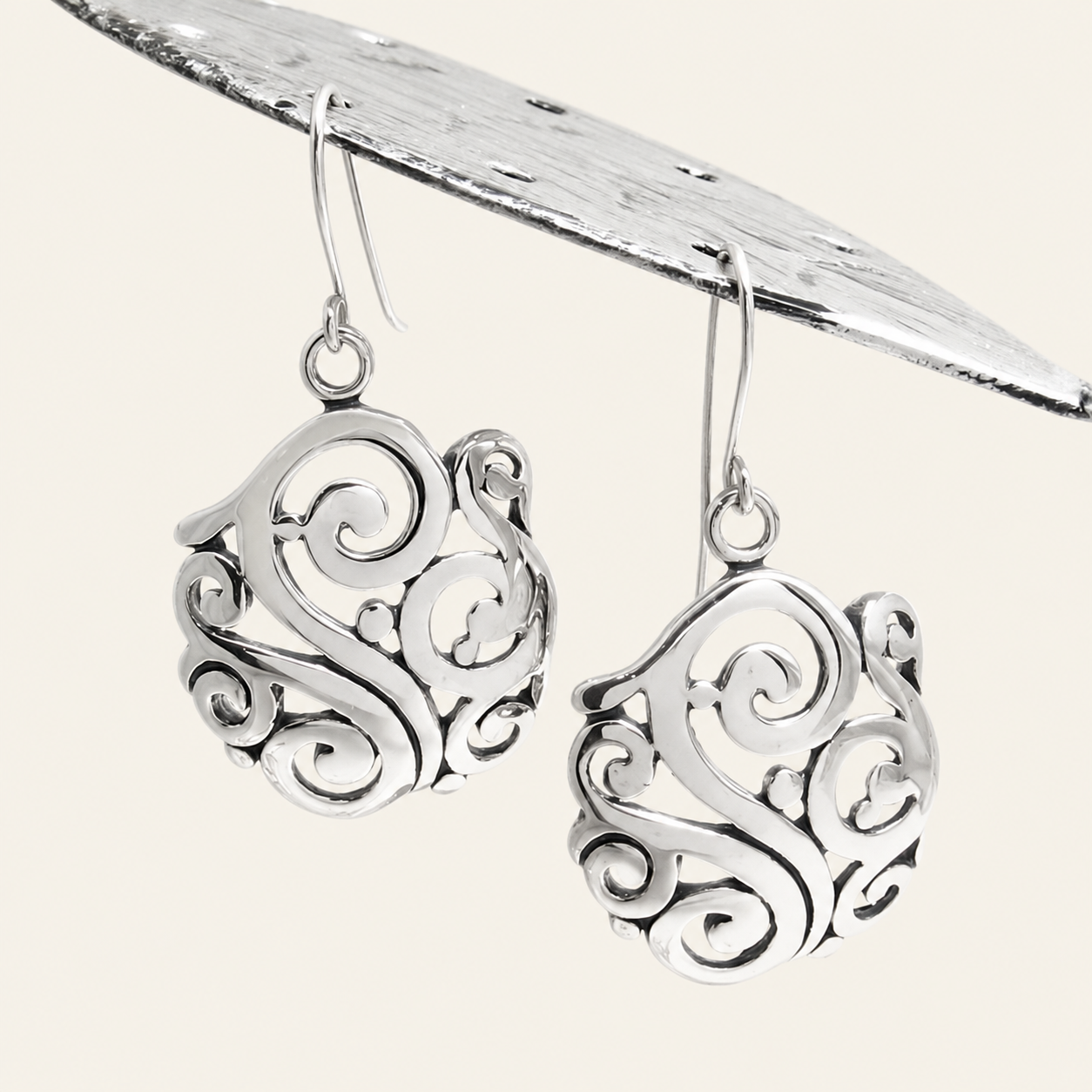
Check both your larger preview and the smaller tile, if your calling app offers one. Notice which pieces remain visible and whether you like the overall balance. The earrings pictured here illustrate a visible outline; this guide does not recommend one particular pair or suggest that a photo predicts how it will look on your camera.
Choose one visible point of interest
Begin with earrings or a necklace, then compare the same view without that piece. A single change makes it easier to decide what you prefer. You may want a clear shape beside your face, a small detail at the neckline, or very little jewelry when your top already has a strong pattern.
If you add a second piece, ask whether it contributes something you can actually see. A bracelet outside the frame can still be something you enjoy wearing, but it does not need to match a necklace solely for the call. Avoid buying a complete set to solve a styling question that one piece may answer.
Our statement-earring styling checklist offers a useful starting point for deciding which other details to keep quieter. For a video call, make that comparison in your normal camera frame rather than only in a mirror.
Compare the necklace with the edge of the frame
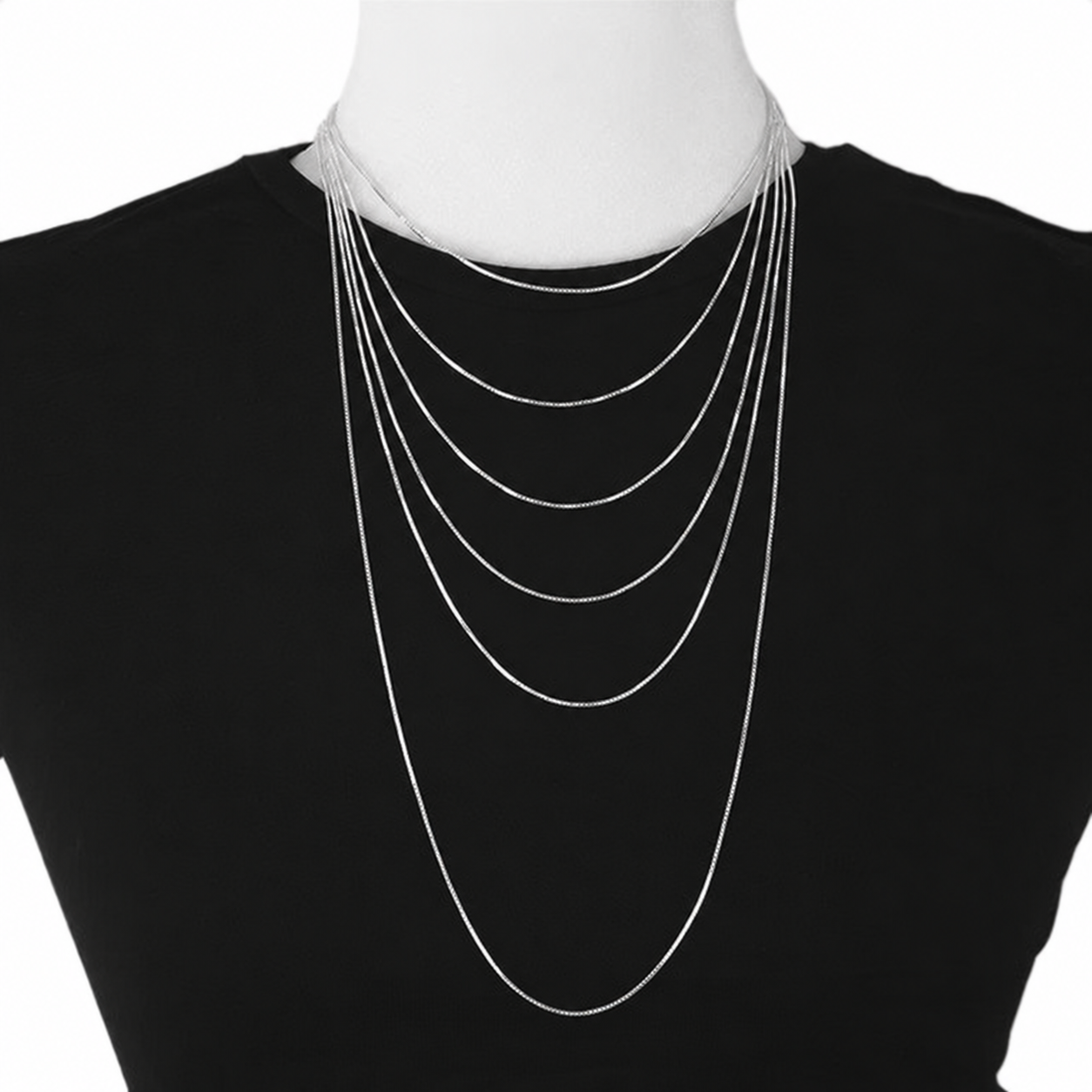
Sit upright, then settle into the position you use while listening. Check whether the whole necklace, just its upper section or none of it remains in view. A pendant that repeatedly falls outside the frame may still suit the outfit; decide whether you want it to be part of the on-camera look at all.
Look at where the jewelry meets your collar or neckline. If the visible part feels crowded, compare it with earrings alone or a different necklace you already own. Our necklace and neckline guide helps you consider the space around the piece without prescribing a length for everyone.
Do not change a comfortable fit simply to keep jewelry in the picture. Adjusting the overall composition of the call, or choosing a different accessory, can be a better starting point than tightening or improvising a fastening.
Try movement and your usual headphones
Put on the headphones or headset you actually use. Turn your head, look down at your notes and return to the camera. Notice whether an earring presses against the equipment, catches as you remove it or makes you keep adjusting it. Choose another pair if the combination feels awkward.
If sound is a concern, make a short private test recording and listen back. Your own setup is a more useful check than assuming that every dangling earring will make noise or that a smaller pair will always work with a headset. You can test without recording anyone else or joining a live meeting.
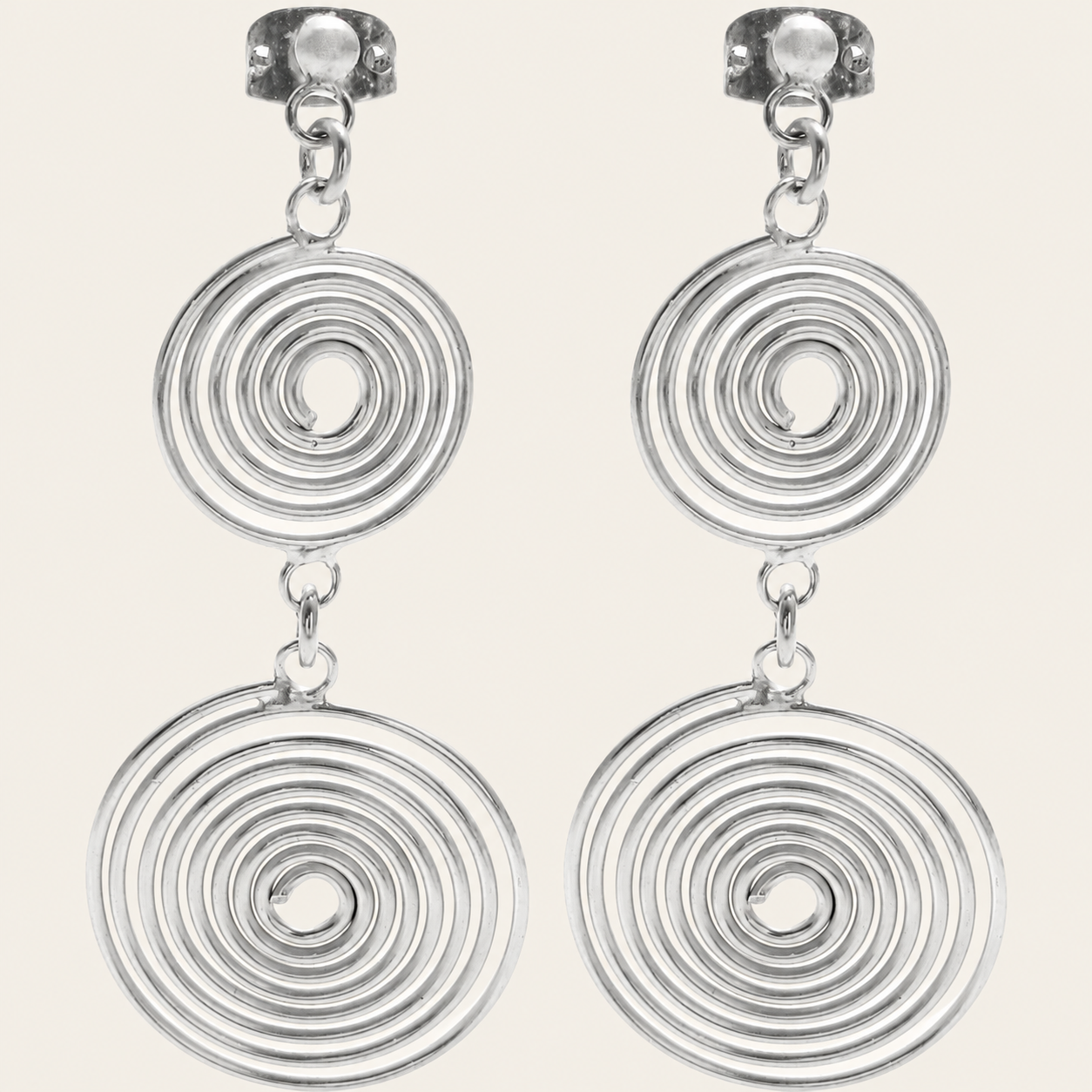
When comparing new earrings, use actual measurements rather than apparent size in a photograph. Our guide to reading drop-earring dimensions explains why the points used to measure height matter. Dimensions can help you shortlist a pair, but they do not establish compatibility with your particular headphones.
Check the result in your normal lighting
Try the same combination in the lighting you expect to use for the call. Watch your preview while moving naturally and notice any reflection or detail you find distracting. Compare with another piece before deciding that the entire outfit needs changing.
Keep the comparison simple: same top, same seat, one jewelry change. If you alter the lighting, camera position and accessories together, it becomes harder to tell which change you liked. There is no need to eliminate every reflection or make every small detail visible; choose the overall effect that feels right to you.
Save a reliable combination for the next call
Once you find an arrangement you enjoy, keep a short note: the top, jewelry and headphones you used. A private screenshot can be a reference if you want one, but avoid including another person or confidential meeting content. Build a second option only if you need a different mood or neckline.
Before an important call, do a quick check for comfort, visible placement and anything that needs frequent adjustment. Then leave the accessories alone and focus on the conversation. Jewelry can be a familiar finishing detail rather than another task to manage throughout the meeting.
If you decide to buy a piece for this purpose, write down the specific role first: a clearer outline, a different necklace position or a simpler shape beside your headset. Check the product description and current options separately. An on-camera styling plan cannot confirm stock, fit or materials.
Shipping & delivery · Returns & exchanges · Ask us a question